How to Export MyChron Data From Race Studio 3: Step-by-Step CSV Guide
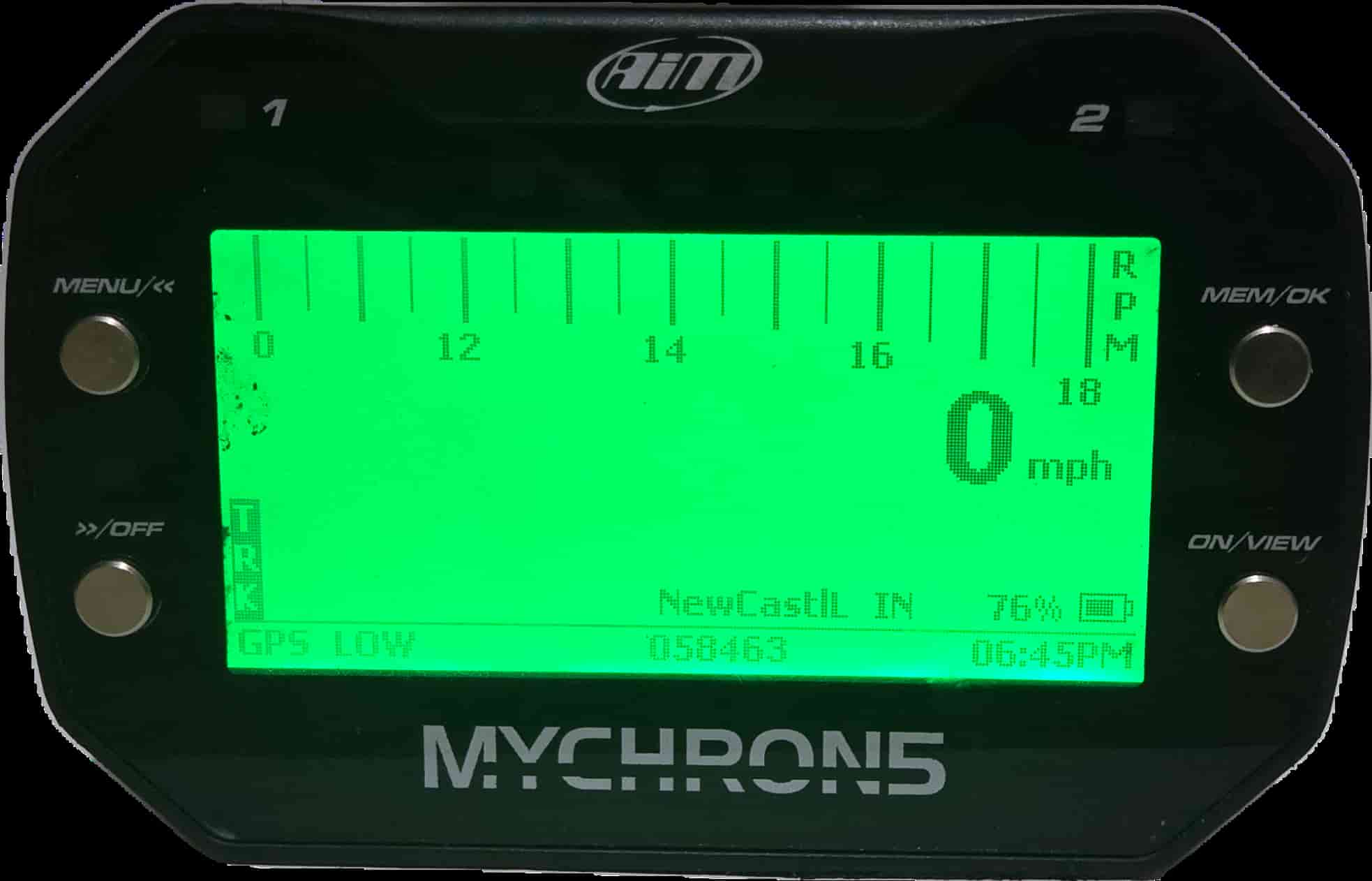
To export MyChron data, download your session from the logger into AiM Race Studio 3, open it in the RS3 Analysis view, then right-click the session and choose Export Items As, RaceStudio 3 CSV, selecting all channels. Race Studio is free from AiM. The CSV it produces is what you upload for analysis.
Race Studio 3 is the official AiM software, and it is free. Almost every MyChron owner already has it, because it is how you configure the logger and pull sessions off it. Getting a clean CSV out of it is straightforward once you have done it once. This post walks through the flow and the few settings that trip people up. For the quick checklist version, our export guide has it with a short video.
Step 1: Download the session from your MyChron
Open Race Studio 3 and connect to your MyChron over WiFi. Click Devices in the sidebar, go to the Data Download tab, and check the session you want. Click Download, then fill in the racer and track when prompted. If Race Studio asks to install the latest firmware or to upload your data to AiM’s cloud, you can safely click No. Those prompts are optional and have nothing to do with exporting.
Step 2: Open the session in RS3 Analysis
Once the session has downloaded, click the RS3 Analysis icon. This is the analysis side of Race Studio, separate from the device configuration side. Your downloaded sessions appear in a list here. This is also where you would do manual analysis if you want to learn the tool in depth.
Step 3: Export as a RaceStudio 3 CSV
Right-click the session you want and choose Export Items As, then RaceStudio 3 CSV. Pick an export folder you will remember. When the channel list appears, select all channels. There is no benefit to trimming them at export, and a missing channel is annoying to discover later. Race Studio writes a CSV to your chosen folder.
What export settings trip people up?
- Choosing the wrong CSV format. Use RaceStudio 3 CSV. Other export options exist for legacy tools and can produce files that are harder to parse.
- Exporting only some channels. Select all of them. You want GPS speed, RPM, lateral and longitudinal G, and GPS position at minimum, and there is no reason to leave the others out.
- Grabbing the wrong file.If your export folder has older sessions in it, sort by date and take the newest CSV. It is easy to upload last week’s session by accident.
- Forgetting to fill in racer and track. It is not required to export, but it keeps your sessions organized once you have a few dozen of them.
Does Race Studio run on a Mac?
Race Studio 3 is a Windows application. Mac users have historically run it through a virtual machine or a Windows partition, which works but adds friction. This is one reason a browser-based workflow appeals to a lot of drivers: you still export the CSV from Race Studio once, but the analysis happens anywhere. We cover the trade-offs in the Kart Track vs Race Studio comparison.
What do I do with the CSV?
Now you analyze it. You can do that in Race Studio itself if you are comfortable building overlays and channel math, or you can upload the same CSV to Speed Lab and get a karting-specific dashboard with speed traces, a GPS track map, sector deltas, and an optional AI coaching report. Either way, the export above is the step that gets your data ready. Next in this series: reading your MyChron speed trace, and the broader guide to reading MyChron telemetry.
See it on a real session
The quickest way to make this click is to look at real data. The live demo walks through a full kart session, speed traces, track map, sector deltas, and an AI coaching report, with no account needed.
Kart Track Team
Telemetry analysts at Kart Track
The Kart Track team builds Speed Lab, the telemetry analysis engine behind karttrackapp.com. We spend our days parsing MyChron and Alfano data and building the speed traces, track maps, and AI coaching reports that turn raw laps into specific, corner-by-corner feedback for kart racers.